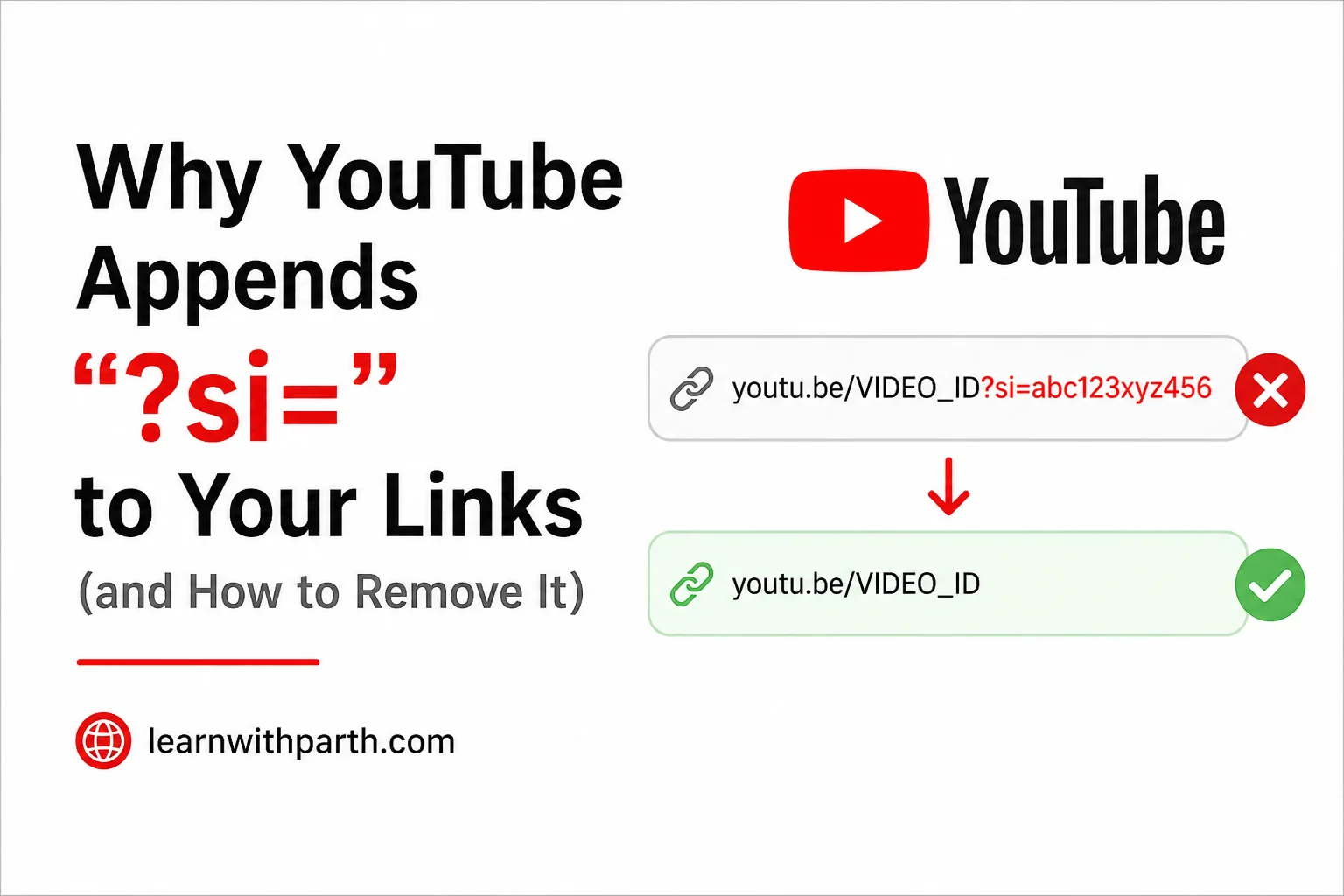
Why YouTube Appends “?si=” to Your Links (and How to Remove It)
If you've ever shared a YouTube video from your phone, you may have noticed something unusual at the end of the URL:
https://youtu.be/VIDEO_ID?si=abc123xyz456
That ?si= section looks like random gibberish, but it isn't there by accident. While the video will usually work perfectly without it, many users are curious about what it does and whether it should be removed before sharing.
What Is the “?si=” Parameter?
The ?si= portion of a YouTube URL is known as a query parameter. Query parameters are commonly used to pass additional information along with a web address.
When you share a video from the YouTube mobile app, Google often appends an si parameter to the generated link. The parameter acts as a source identifier that helps YouTube understand how a particular link was created and shared.
Importantly, the parameter is generally not required for the video to function. In most cases, removing everything from ?si= onward will still allow the recipient to open and watch the exact same video.
Original link:
https://youtu.be/VIDEO_ID?si=abc123xyz456Clean link:
https://youtu.be/VIDEO_IDDoes It Track You?
The presence of an si parameter does not automatically mean that personal information is embedded directly within the URL. However, it does provide YouTube with additional data related to the sharing event and may be used for analytics, attribution, and engagement measurement.
Google has not publicly disclosed every detail about how these identifiers are processed internally. Because of that, claims that the parameter contains personal details such as your name, contacts, or complete social graph should be treated cautiously unless supported by official documentation.
What is clear is that the parameter serves no practical purpose for the person receiving the video. The video itself can typically be accessed without it.
Why Some People Remove It
Many privacy-conscious users choose to remove unnecessary URL parameters before sharing links online. While the privacy benefit may vary, there are several reasons people prefer cleaner URLs:
- The video works without the parameter.
- The URL becomes shorter and easier to read.
- Less metadata is included in the shared link.
- Messages and emails look cleaner and more professional.
- It promotes better digital hygiene habits.
How to Remove “?si=” From a YouTube Link
Removing the parameter takes only a few seconds and requires no additional apps or browser extensions.
- Open the YouTube app.
- Select the video you want to share.
- Tap the Share button.
- Choose Copy Link.
- Paste the link into a message, email, or notes app.
- Locate the
?si=section. - Delete the question mark and everything that follows it.
- Share the cleaned URL.
Example:
Before:
https://youtu.be/dQw4w9WgXcQ?si=xyz123abc456

After:
https://youtu.be/dQw4w9WgXcQ
Should You Make This a Habit?
If you value privacy, simplicity, and cleaner communication, removing unnecessary URL parameters is a sensible habit. It won't eliminate all forms of online tracking, but it does reduce the amount of extra information attached to links you share.
Since the parameter is usually unnecessary for video playback, trimming it off before sending a link is a quick and easy step that takes less than a second once you get used to it.
Final Thoughts
The ?si= parameter is a YouTube-generated source identifier used for analytics and sharing attribution. While it isn't required for the video to play, many users choose to remove it to keep their URLs cleaner and minimize unnecessary metadata.
The next time you share a YouTube video, take a quick glance at the URL. If you see ?si= at the end, you can safely remove it and send a cleaner link instead.